CSI Teachable Replacement AppJoin the waitlist
Whether you're an L&D team stuck paying Teachable tax, a membership org managing access through Okta, or a training provider that needs real reporting — here's exactly what this platform does for each of you.
Enter your Teachable admin credentials. The import engine authenticates, establishes a session, and discovers your full course catalog.
Course structure, lesson content, images, videos, and PDFs are extracted from Teachable and re-hosted on your platform. Duplicate assets are detected and stored once.
Paste your OIDC discovery URL or SAML metadata. Map the attributes, test the connection, save — your learners now authenticate through their existing credentials.
Authenticated learners browse the course catalog, enroll, and track progress. Admins monitor completion rates and export full learner data whenever HR asks.
Tell us your org size, your IdP, and how many courses you need to move. We'll show you exactly what the import looks like before you commit to anything.
Questions? Email us at sf-core-org-support-csi-teachable-replacement-app@saas-factory.ai
Your Teachable library is years of work. Videos, PDFs, rich lesson copy, section structure — none of it belongs in a CSV export. Rebuilding by hand is a month of someone's life.
The import engine authenticates directly with your Teachable school, walks every course in your catalog, extracts the full curriculum hierarchy, downloads all media and documents from Teachable's CDN, re-hosts them on your new platform's asset storage, and replaces every original URL throughout the content — automatically.
Catalog discovery first Browse all your Teachable courses before committing — select exactly which ones to import.
Full content fidelity Headings, bold/italic, bullet lists, inline images, video embeds, and downloadable attachments all transfer intact.
Asset deduplication Identical images shared across lessons are stored once, not ten times.
Partial failure recovery One broken asset doesn't abort the whole job — the pipeline logs errors and completes with a partial-success status you can review.
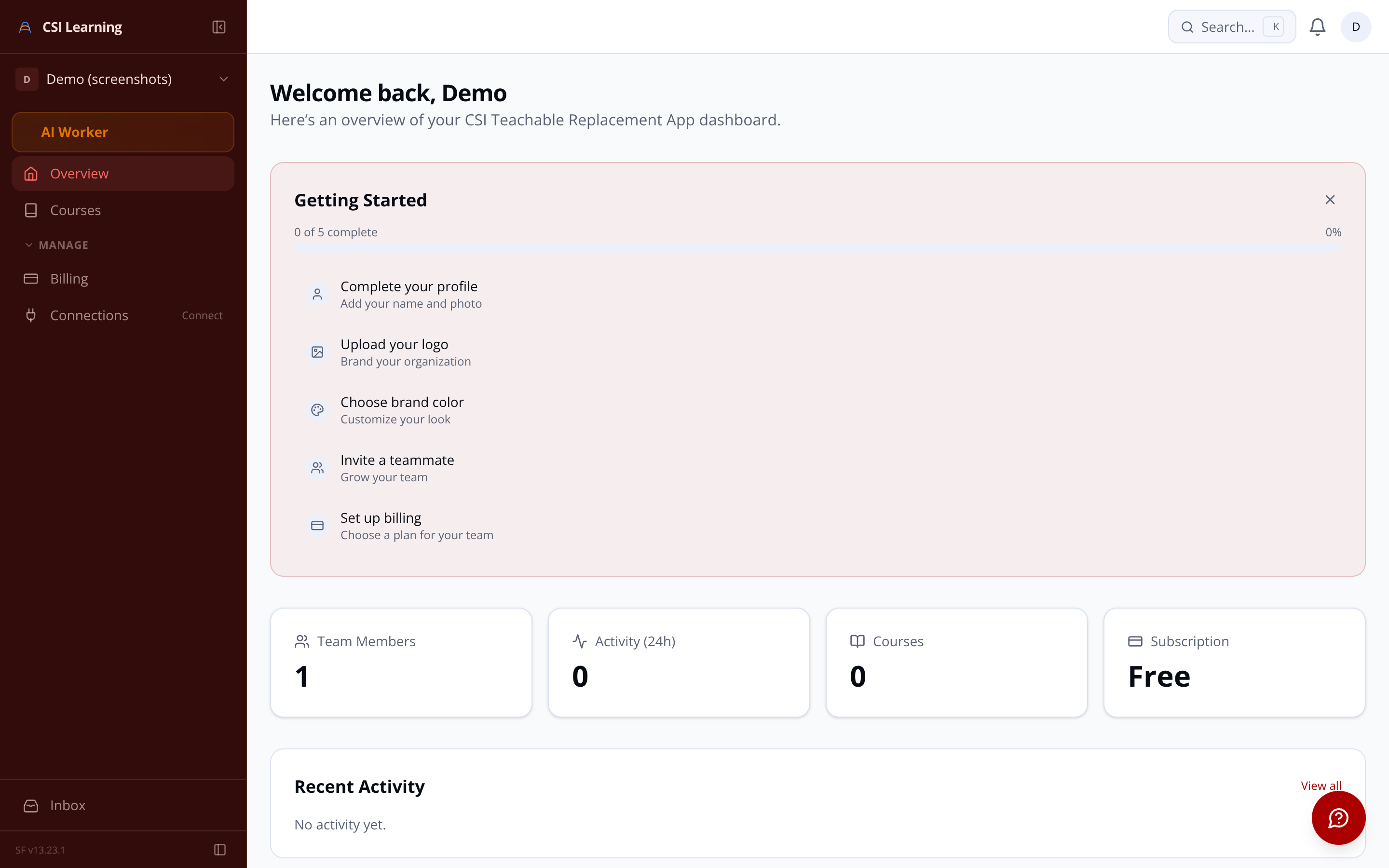
Your security policy says users authenticate through Okta, Azure AD, or ADFS — not through a learning tool's own password system. That's non-negotiable for most enterprise IT teams, and it shouldn't need to be negotiated.
Each organization on the platform connects its own SAML 2.0 or OIDC identity provider independently. Learners click a course link, they're sent to your IdP, they come back with a verified session — and they land directly on the course catalog. No new credentials, no password resets, no separate account management.
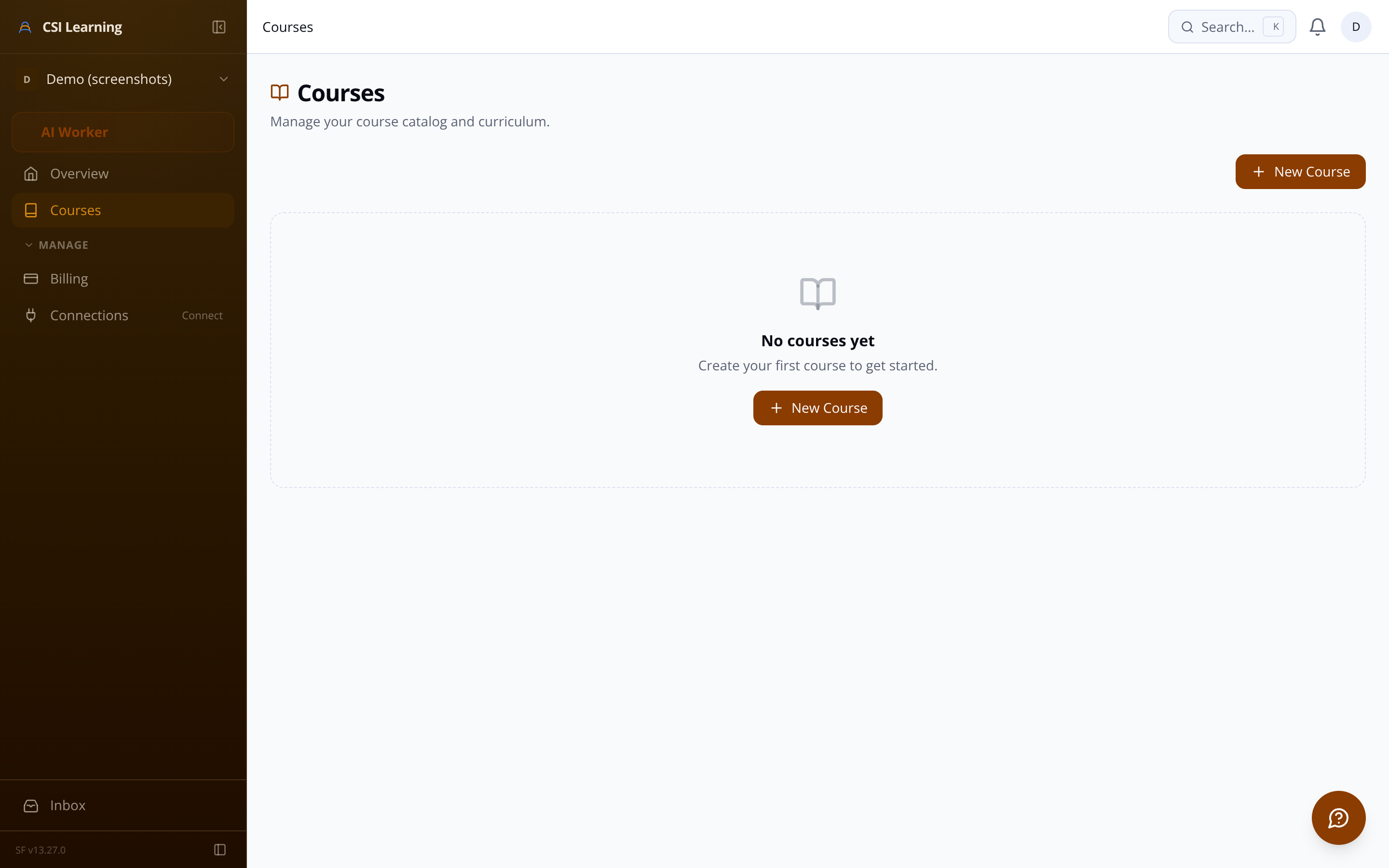
Not everything comes from a Teachable import. New programs need to be built — and instructors need a builder that doesn't slow them down with rigid forms or require a developer for every content change.
Creation wizard A guided multi-step flow: title and description, thumbnail upload, first section — you're writing lessons in under two minutes.
Drag-and-drop curriculum editor Reorder sections and lessons visually. Changes reflect immediately without a page reload.
Rich text lesson editor Full WYSIWYG body: headings, lists, code blocks, inline images you paste or drag in — stored as structured JSON, not fragile HTML strings.
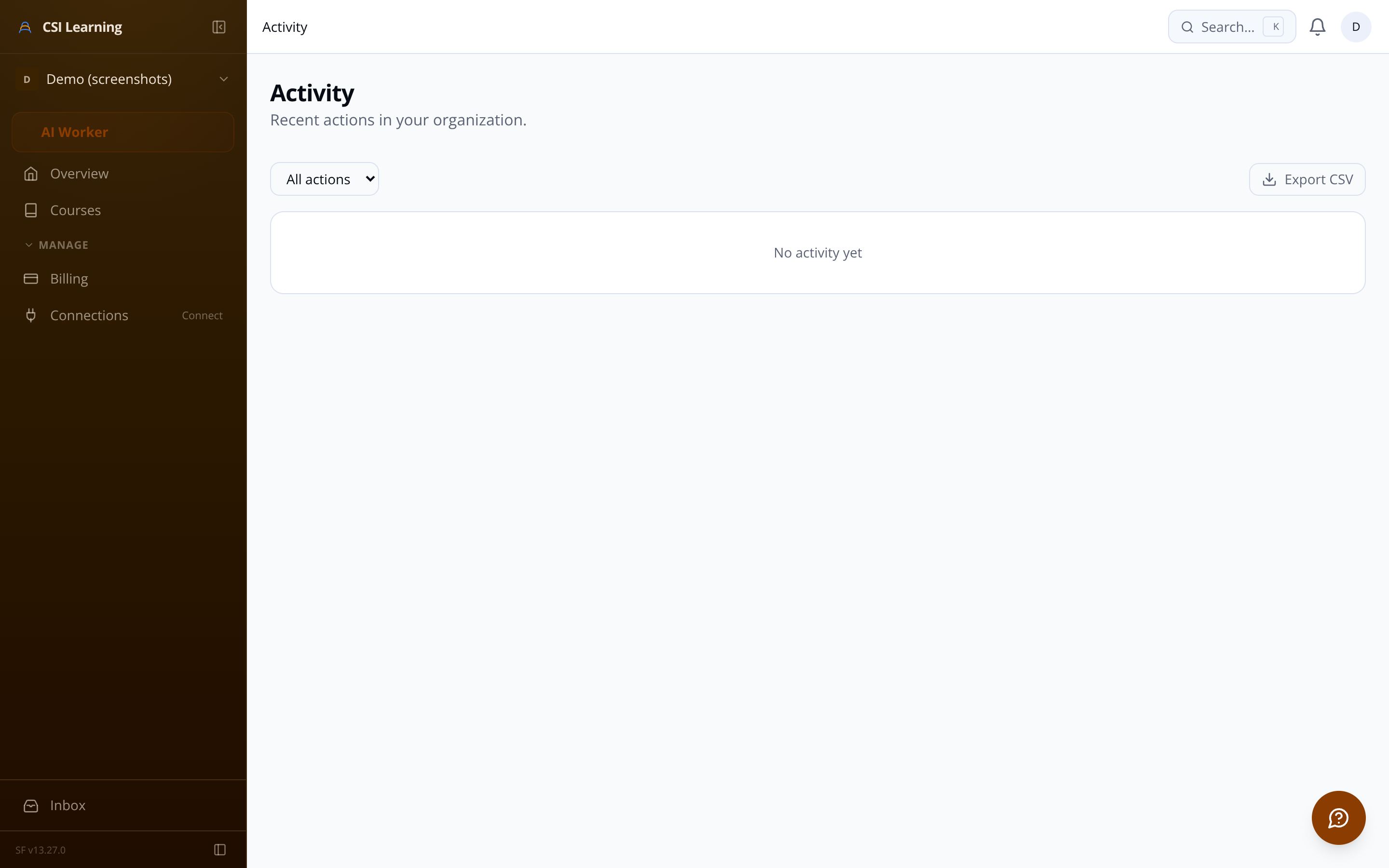
Compliance training has a paper trail requirement. "Everyone completed the course" is not an answer — auditors want names, dates, and percentages. Pulling that data from a third-party LMS one learner at a time is a quarterly ordeal.
Training providers and platform resellers host learning programs for multiple independent clients. Each client wants their own branding, their own SSO, their own learner directory — and they should never be able to see each other's data.
True data isolation Every database query is scoped to the authenticated organization's ID — cross-tenant data leakage is architecturally prevented, not just access-controlled.
Subdomain or path-prefix routing Each client gets acme.platform.com or /org/acme — resolved by middleware before the first query runs, with no per-tenant deployments.
Per-tenant branding
Admins and learners have distinct permissions. Course builder, enrollment management, and SSO configuration are admin-only surfaces.
All downloads are served via short-lived signed URLs generated server-side on each render — no public permanent links to sensitive content.
Live progress monitor Watch the pipeline move through each stage in real time. No refresh needed.
SAML 2.0 and OIDC both supported Works with Okta, Azure AD, ADFS, and any standard-compliant provider.
Per-tenant configuration Each org connects its own IdP without touching other tenants.
Session expiry enforcement Sessions expire with the IdP token — no indefinite access after someone leaves the org.
Org-member gating Only authenticated members of the owning organization can view or enroll in courses — unauthenticated requests are redirected to SSO.
Video embedding Paste a YouTube, Vimeo, Wistia, or Loom URL and the lesson player renders the embed automatically.
Lesson attachments Upload PDFs and files directly to lessons — learners download them with signed, short-lived URLs that prevent unauthorized sharing.
Publish controls with a pre-flight check A course won't publish until it has at least one published section and lesson — no accidentally empty catalogs.
Per-course progress table Every enrolled learner, their completion percentage, lessons completed count, and enrollment date — in one view.
CSV export Download the full dataset: learner name, email, enrollment date, completion percentage, and the completed lesson list — ready for your HRIS or audit.
Attachment download tracking Know which learners downloaded which resources — timestamped and queryable.
Org-wide summary widget Completion rates, total enrollments, and active learner counts across all courses — the health check your quarterly review needs.
Audit log Admin actions — SSO changes, enrollment edits, course publishing, import starts — are recorded immutably for compliance and troubleshooting.
Independent SSO per org Client A connects Okta, Client B connects Azure AD — configurations are isolated and don't interfere.
Controlled org offboarding When a client contract ends, a confirmed deletion workflow queues a background job that purges all org data, assets, enrollments, and memberships — nothing lingers.
A scheduled background job permanently purges deleted records and associated assets after a configurable retention period — GDPR right-to-erasure ready.
The lesson player and curriculum sidebar adapt to any viewport — mobile learners get a bottom-sheet navigation drawer, not a broken sidebar.
Every significant admin action — SSO changes, enrollment edits, course publishing, import starts — is recorded with a timestamp for compliance.
Teachable admin credentials are encrypted at rest with AES-256 and only decrypted transiently inside the import worker — never logged or returned in API responses.
