CSI Teachable Replacement AppJoin the waitlist
SSO-gated access, a full Teachable import engine, a rich course builder, real-time progress tracking, and org-level admin tools — every capability described here is live in the product.
[ IMPORT ENGINE / STAGE 01 ]
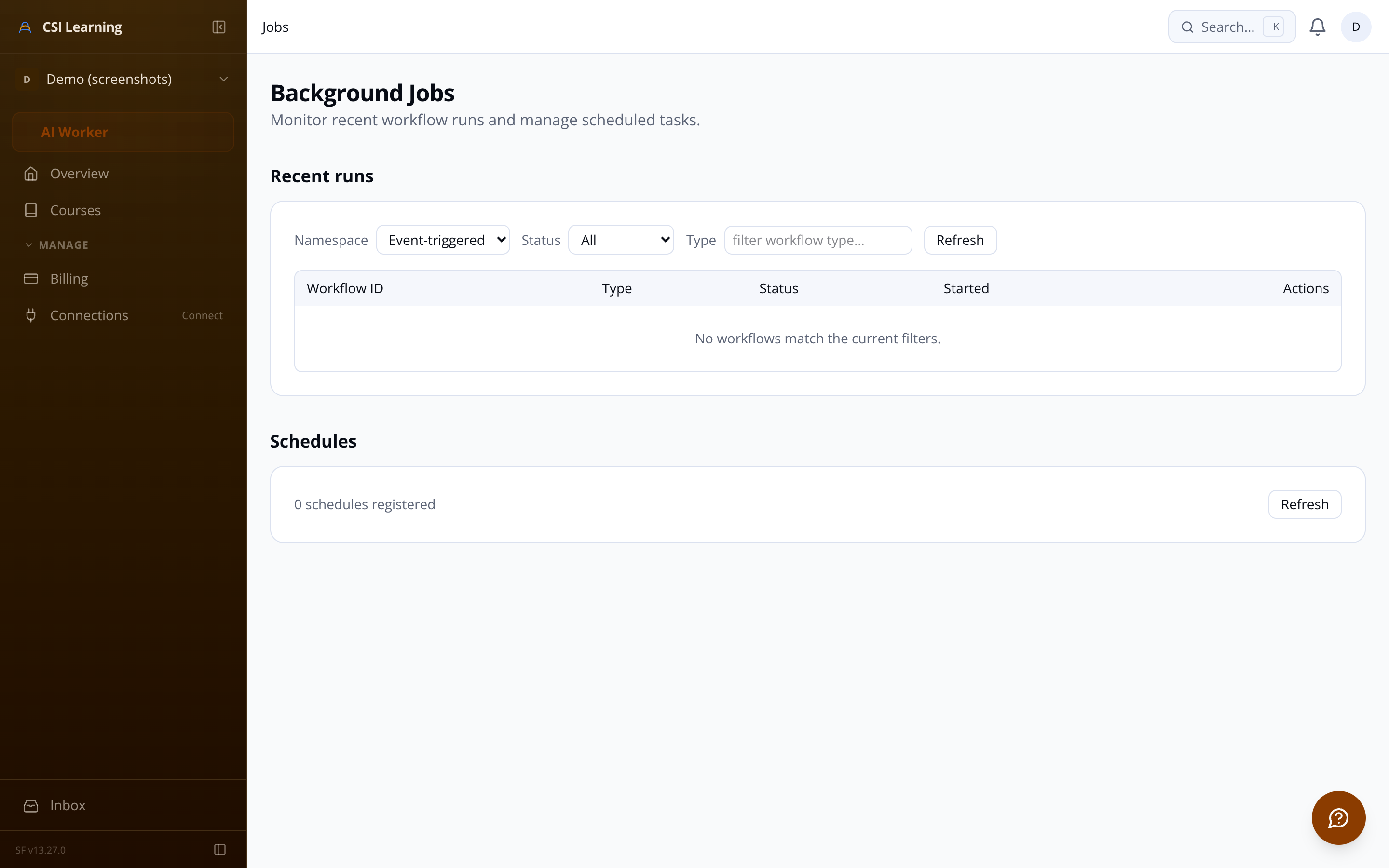
The import engine authenticates with your Teachable school, walks every course in the catalog, and extracts the complete curriculum hierarchy — sections, lessons, video embeds, rich text, images, and downloadable attachments. Assets are downloaded from Teachable's CDN and re-uploaded to secure storage under your organization's path prefix. Duplicate assets are detected by content hash so you never store the same file twice.
Catalog discovery Crawls every published and draft course in one authenticated pass.
Structure extraction Sections, lessons, types, descriptions — all preserved in order.
Media re-hosting Images and PDFs migrated to your own storage; original URLs replaced throughout.
Content conversion Raw Teachable HTML transformed into structured TipTap editor JSON.
Credentials encrypted at rest AES-256 encryption; never logged or surfaced in API responses.
[ IMPORT ENGINE / HOW IT RUNS ]
Admin credentials are encrypted, submitted to Teachable's login endpoint, and a cookie-authenticated session is persisted for the pipeline.
All courses and their publication status are fetched and presented for selection before any content is migrated.
Selected courses are walked section-by-section. Lesson HTML, video embeds, and attachment URLs are captured. Rate limiting prevents CAPTCHAs.
Images and PDFs are downloaded, deduplicated by hash, and stored in your org's asset bucket. Content is then materialized into live course records.
Join the waitlist and we'll be in touch. If you have specific questions about a capability, email us at sf-core-org-support-csi-teachable-replacement-app@saas-factory.ai
Email support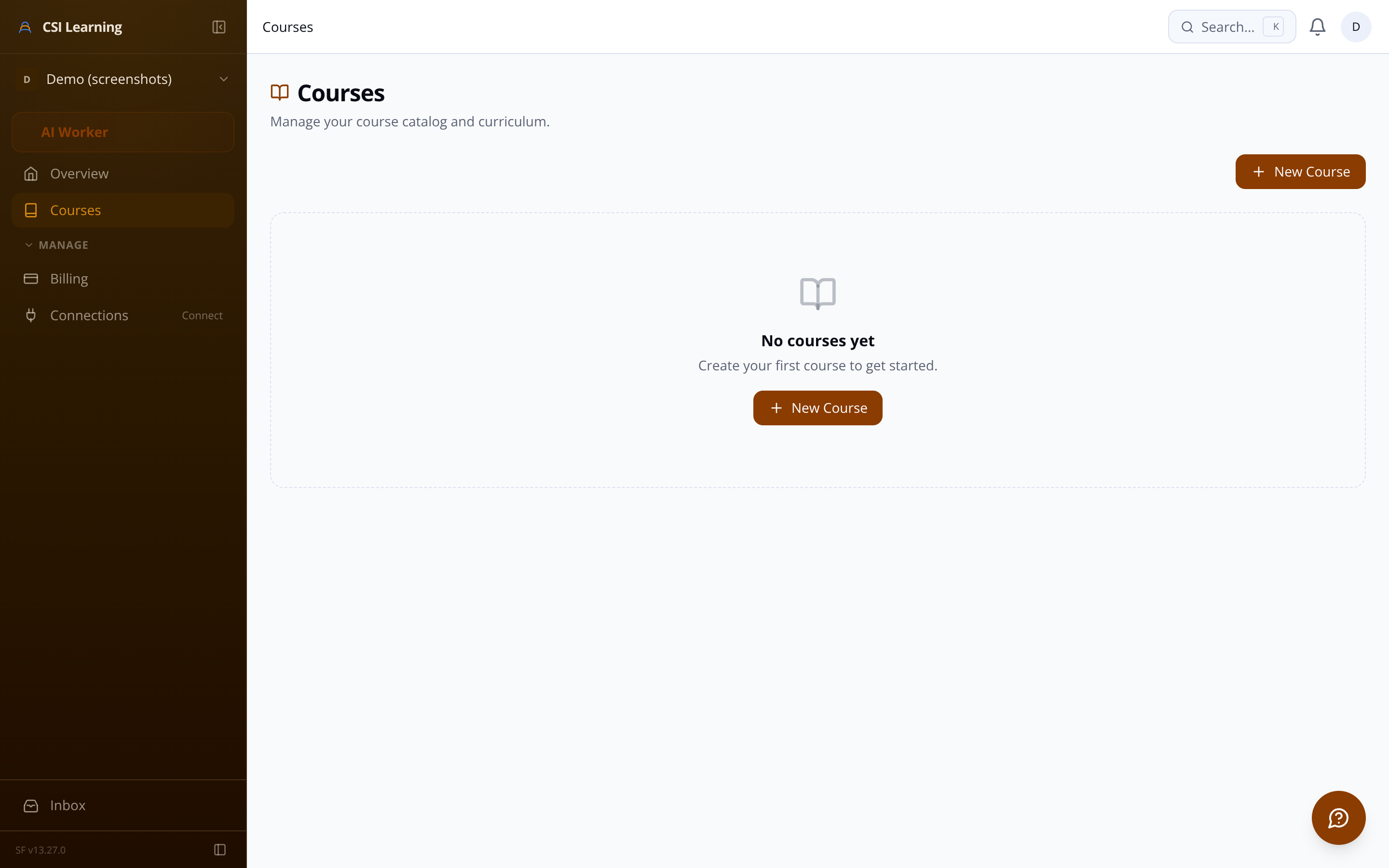
[ LEARNER EXPERIENCE / CATALOG + PLAYER ]
After SSO authentication, learners see a branded course catalog scoped to their organization. Enrollment is one click. The lesson player renders video embeds, rich text body, and downloadable attachments — with a persistent sidebar showing every lesson and a real-time completion indicator per section. Previous/next navigation marks lessons complete as learners move through.
[ SSO / IDENTITY LAYER ]
Each organization connects its own OIDC or SAML 2.0 provider — Okta, Azure AD, ADFS, or any compliant IdP. Sessions expire with the provider token. Stale sessions force re-authentication rather than staying open indefinitely.
[ COURSE BUILDER / AUTHORING ]
A multi-step creation wizard gets a new course live in minutes. The drag-and-drop curriculum editor lets instructors reorder sections and lessons visually. The TipTap-based lesson editor supports headings, lists, code blocks, inline images, and video embeds from YouTube, Vimeo, Wistia, and Loom. Pre-publish validation checks that the course has at least one published section before it goes live.
Rich text editor WYSIWYG with inline image upload.
Video embeds Paste any YouTube, Vimeo, Wistia, or Loom URL.
Drag-and-drop reorder Optimistic updates for instant feedback.
[ ADMIN TOOLS / REPORTING + MANAGEMENT ]
[ PLATFORM FOUNDATION / INFRASTRUCTURE ]
Every table is partitioned by organization ID. No query touches another tenant's data. Subdomain and path-prefix routing resolve the correct org context before any request reaches application logic.
Org ID partition keys on every table. Cross-tenant data leakage is structurally prevented, not just guarded by application logic.
acme.platform.com or /org/acme — both resolve correctly. True multi-tenant URLs with no per-tenant deployment.
[ ORG SETTINGS / BRANDING + CONFIGURATION ]
Upload your org logo, set a primary brand color, and configure your SSO provider — all from a single settings area. The branding applies across the learner catalog, lesson player, and dashboard. The SSO configuration UI walks you through OIDC discovery URL or SAML metadata entry with a connection-test step before saving.
Logo + brand color Applied to all learner-facing pages for white-label appearance.
SSO configuration UI OIDC or SAML metadata input with a live connection test before committing.
Danger zone controls Full org offboarding with mandatory confirmation before data purge.
[ PROGRESS TRACKING / LEARNER + ADMIN ]
The learner dashboard shows enrolled courses with visual progress bars and a quick-resume button. Each lesson marked complete updates the sidebar completion indicator and the overall course percentage in real time. When the final lesson is done, a completion record is written and the course shows as finished on the dashboard.
Lesson completion API Completion timestamp stored on mark; course percentage recalculated immediately.
Attachment download tracking Timestamped event logged each time a learner downloads a file.
[ FREQUENTLY ASKED ]
Branded catalog Org logo and primary color applied to every learner-facing page.
Video + rich text + attachments YouTube, Vimeo, Wistia, and Loom embeds alongside formatted lesson bodies.
Progress sidebar Visual completion checkmarks on every lesson; resume from exactly where you left off.
Mobile-responsive player Curriculum drawer replaces persistent sidebar on phones — no layout breakage.
Course completion milestone Completion timestamp recorded when the final lesson is marked done.
Both protocols supported. Dynamic provider loading per org subdomain or slug means one platform serves every tenant's IdP.
Entity IDs, metadata URLs, certificate fingerprints, and attribute mappings stored independently per organization — changes in one tenant never affect another.
Token lifetime from the identity provider drives session duration. No indefinite access via stale cookies.
Lesson attachments PDFs and files attached per lesson.
Course thumbnail JPEG, PNG, WebP upload with size validation.
Publish controls Draft to Published with a pre-publish checklist.
Completion summary widget Completion rates, total enrollments, and active learner counts across all courses — one glance at the health of your learning program.
Per-course progress table Every enrolled learner's completion percentage, lessons done, and enrollment date. Spot who hasn't started and who finished yesterday.
CSV export Learner name, email, enrollment date, completion percentage, and completed lesson list — ready for HR reporting or offline analysis.
Enrollment management Manually add or remove individual learners. Bulk-enroll via CSV upload. Search and filter by status.
Member directory Every SSO-authenticated user: name, email, last login, enrollment count.
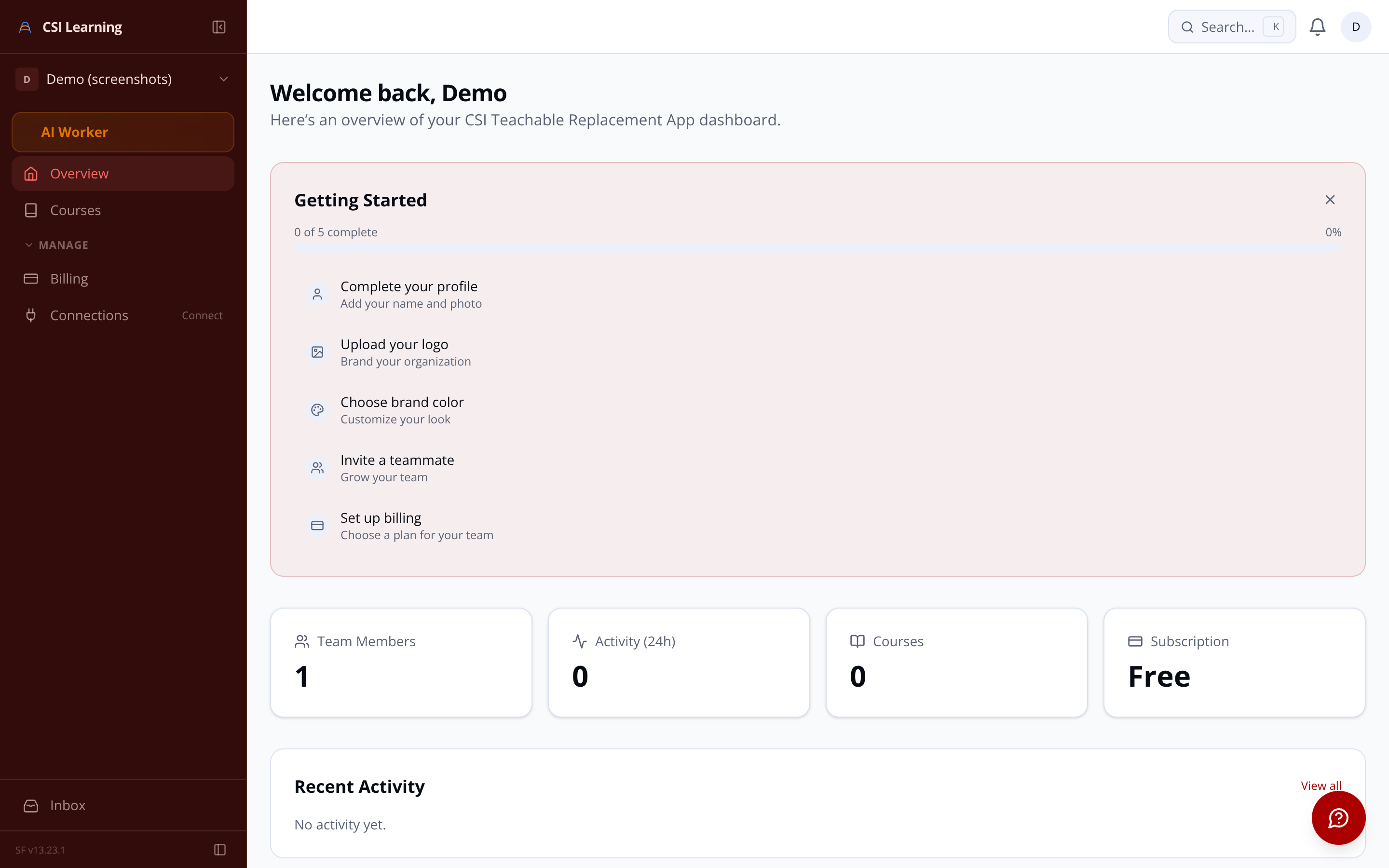
Audit log Immutable record of SSO config changes, enrollment edits, course publishes, and import starts.
Org admins and learner members are distinct roles. Course builder, reporting, enrollment management, and SSO config are admin-only surfaces.
All downloads served via short-lived signed URLs generated server-side on each page render. No permanent public links for org content.
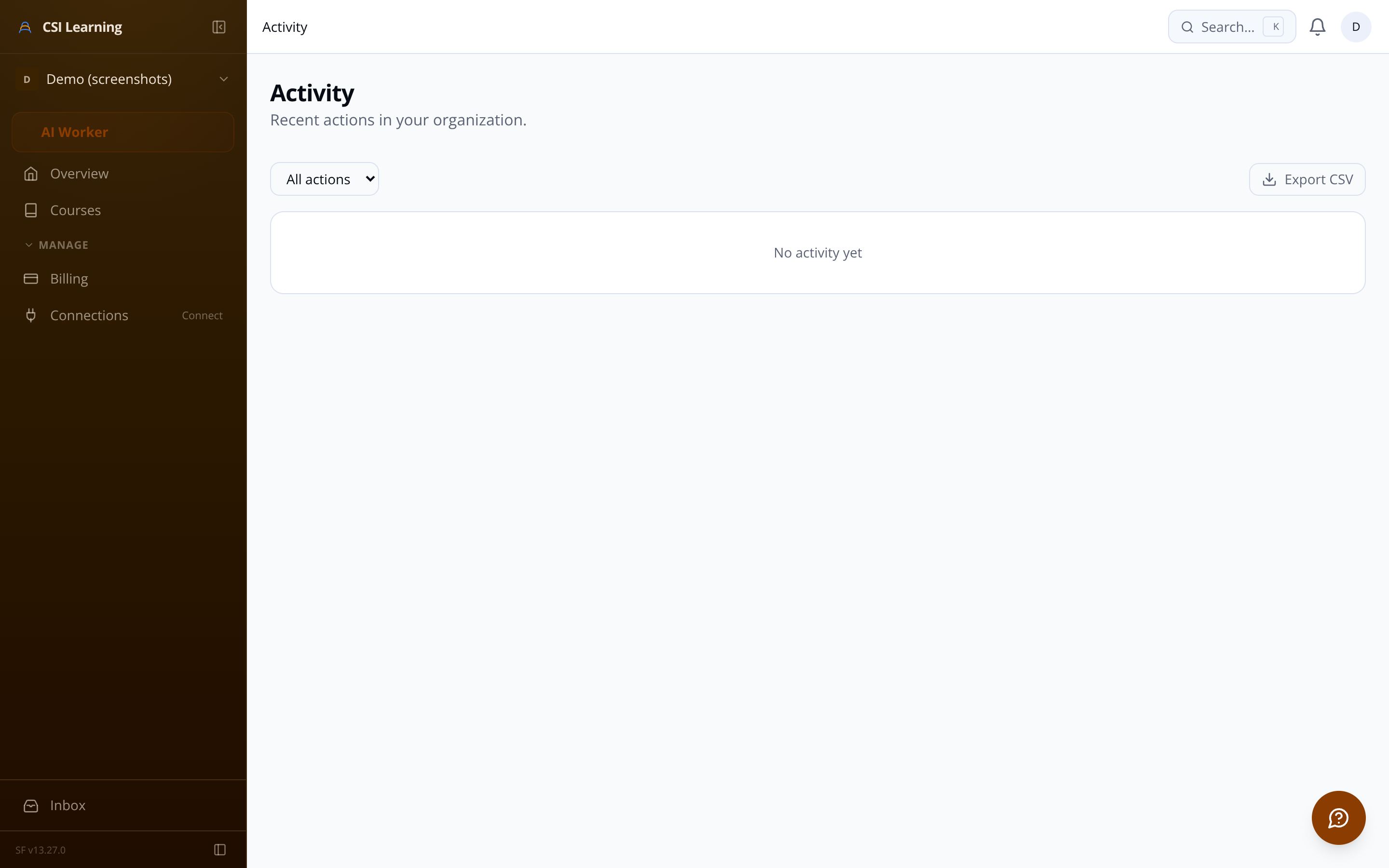
Inngest-powered async workers handle import pipelines, email delivery, data purge jobs, and webhook dispatch — none blocking the request thread.
Soft deletion for courses, lessons, and users. A scheduled job permanently purges records and stored assets after a configurable retention window.
Administrators see the same data from the other side. The per-course progress table lists every enrolled learner with their completion percentage, lesson count, and enrollment date. The organization-wide widget gives an instant aggregate view. CSV export covers all fields HR reporting typically needs without a separate BI tool.
Per-course progress table Enrollee-level breakdown with percentage and activity date.
Org-wide completion widget Rates, enrollment counts, and active learners across all courses.
CSV export Name, email, enrollment date, percentage, lesson list — offline-ready.
