CSI Teachable Replacement AppJoin the waitlist
The platform connects to the tools your organization already relies on — from SSO directories to video platforms to Teachable schools — so you can go live without rebuilding your stack.
[ SSO / IDENTITY ]
Connect your organization's SAML 2.0 or OIDC provider and every learner authenticates through credentials they already know. No separate logins, no password resets, no parallel directory to maintain.
Connect Okta, Azure AD, ADFS, or any SAML-compliant IdP. Assertion parsing, attribute mapping, and session creation are handled in the Auth.js pipeline.
Works with any OIDC-compatible provider including Google Workspace, Auth0, and Ping Identity. Provider config is loaded dynamically per org from your stored settings.
Each organization stores its own entity IDs, metadata URLs, certificate fingerprints, and attribute mappings — changes to one tenant never touch another.
Session expiry aligned to your IdP token lifetime
Forced re-authentication when sessions expire
Org-membership check on every learner page
Admin SSO config UI with connection test before save
SAML SP metadata endpoint per org slug
OIDC discovery URL input with attribute mapping fields
[ IMPORT PIPELINE / HOW IT RUNS ]
Credentials are decrypted transiently, submitted to Teachable's login endpoint, and the authenticated cookie session is retained for all subsequent scraping requests.
All courses in the Teachable school are listed with titles, slugs, and publication status. The admin selects which courses to import before the pipeline continues.
Each selected course's curriculum is crawled for sections and lessons. Lesson pages are fetched for HTML body, video iframes, image tags, and attachment links. Rate limiting prevents triggering Teachable blocks.
Staged import data is written through the same course/section/lesson schema used by the manual builder. Imported courses are immediately available in the admin dashboard and learner catalog.
Join the waitlist and we'll walk you through connecting your identity provider and importing your first course.
Questions? Email us at sf-core-org-support-csi-teachable-replacement-app@saas-factory.ai
[ TEACHABLE IMPORT / MIGRATION ]
The import engine authenticates with your Teachable admin credentials, crawls the full course catalog, extracts section and lesson hierarchies, downloads every media asset from Teachable's CDN, and reconstructs your content — structure, text, video embeds, images, and attachments — inside the platform. Credentials are AES-256 encrypted before storage and never appear in logs or API responses.
Course catalog discovery Scans your Teachable school and returns all courses for you to select before committing to a full import.
HTML → rich text conversion Lesson HTML is transformed into structured TipTap/ProseMirror JSON, preserving headings, lists, inline formatting, and code blocks.
Asset re-hosting
[ VIDEO / MEDIA EMBEDS ]
Paste a video URL into any lesson's video field. The platform validates the URL, handles provider-specific embed transformation, and renders it as a responsive iframe in the learner view.
YouTube Standard and unlisted videos embedded via YouTube's iframe API.
Vimeo Pro and team accounts; privacy-hash URLs respected.
Wistia Inline embed with chapter and CTA support intact.
Loom
[ ASSET STORAGE / VERCEL BLOB ]
Every file — course thumbnails, lesson attachments, imported images — is stored in Vercel Blob under per-tenant path prefixes. Download URLs are signed server-side on each page render and expire shortly after, so a leaked URL cannot be shared outside the platform.
Per-org path prefixes prevent cross-tenant asset access
JPEG, PNG, WebP thumbnails with server-side size validation
PDF and document attachments with download tracking
Attachment download events logged per-learner for admin visibility
[ ADMIN TOOLS / REPORTING ]
Progress data, audit trails, and member directories are built into the admin layer — no third-party analytics integration required to answer the basic question of who completed what.
[ BACKGROUND JOBS / INNGEST ]
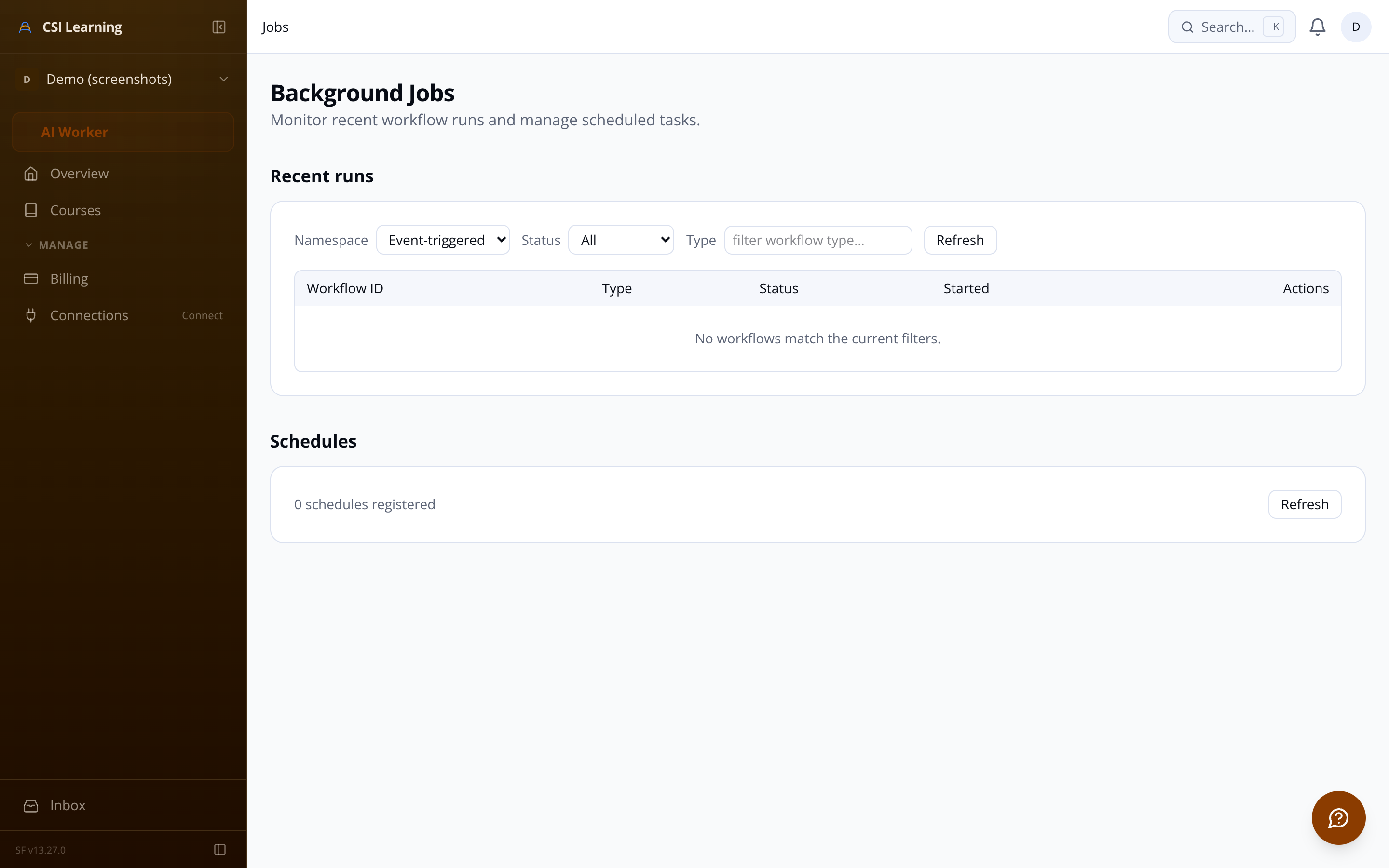
The Teachable import pipeline, asset migrations, data purges, and invite emails all run as durable Inngest background jobs. Admins monitor live progress in the dashboard; closing the tab doesn't stop the job.
Real-time import progress monitor in the admin UI
Configurable rate limiting to respect Teachable's servers
Partial failure recovery — one bad asset doesn't kill the job
Partial failure recovery A failed asset on one lesson doesn't abort the whole job. Each failure is logged and the import completes with a partial-success status.
Video URLs imported from Teachable are automatically detected during the scraping stage and re-embedded using the same transformation pipeline. Your existing Teachable video library migrates without relinking.
Content Security Policy headers are configured to allow iframes from these trusted providers while blocking unauthorized origins — so embeds work and XSS risks don't.
Asset deduplication by content hash reduces redundant re-uploads during import
Soft-delete with scheduled purge for GDPR erasure compliance
Learner progress CSV export Name, email, enrollment date, completion %, and completed lesson list — ready for HR or your existing reporting tool.
Per-course progress table See each enrolled learner's completion percentage and lesson count at a glance; identify who is stuck without building a query.
Attachment download tracking Every learner file download is timestamped and stored — know which resources are actually being used.
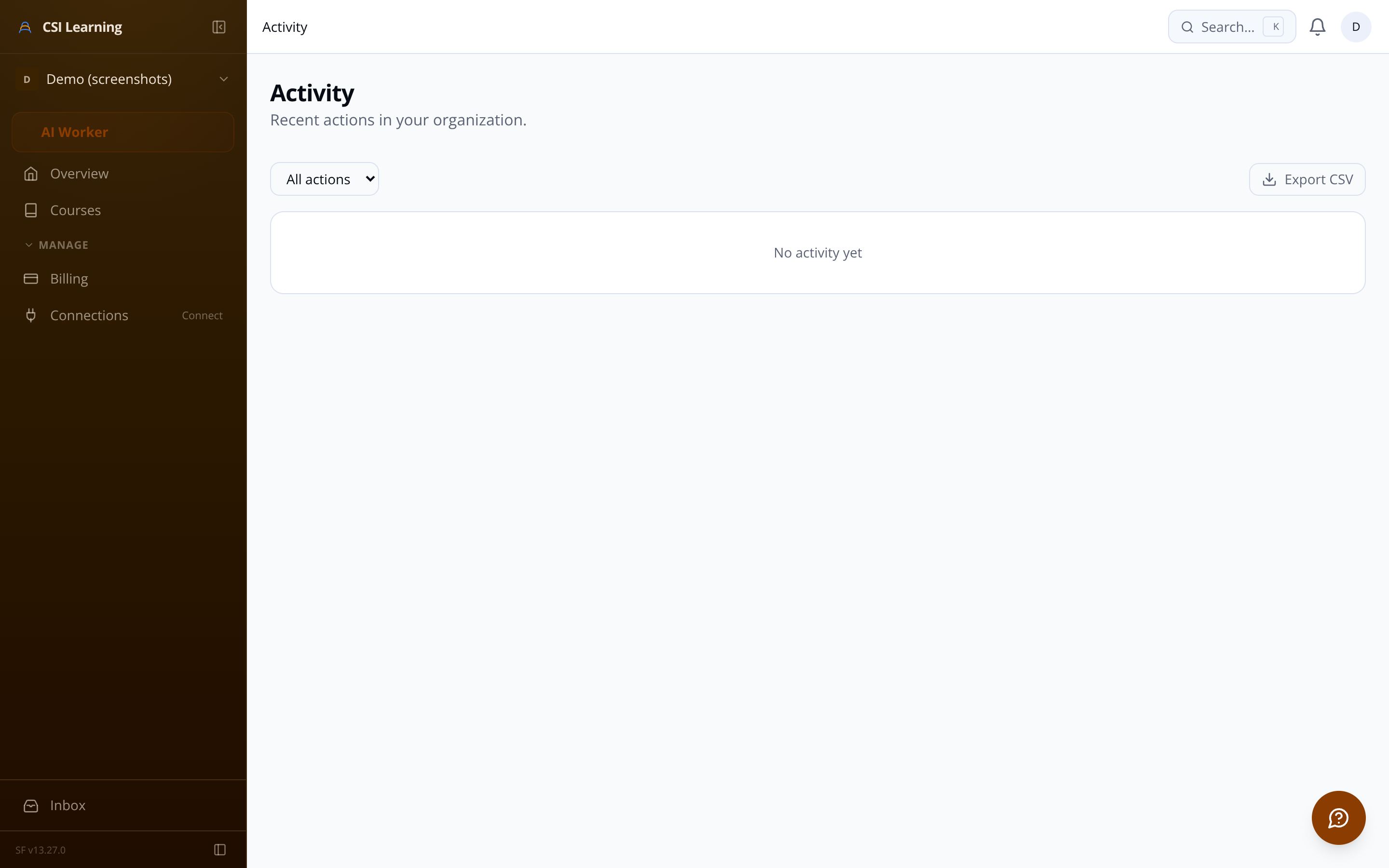
Immutable admin audit log SSO config changes, enrollment edits, course publishing, and import job starts are all recorded with timestamps for compliance review.
Organization member directory All SSO-authenticated users listed with name, email, last login date, and enrollment count.
Scheduled PII purge job for GDPR erasure
Invite email delivery via async event queue